Desk Posture Tips for Seniors: How to Sit Comfortably and Protect Your Spine Every Day
This post contains affiliate links. As an Amazon Associate, I earn from qualifying purchases at no extra cost to you.
Free resources — no credit card required for trial
🎧 Listen to health & wellness audiobooks free for 30 days
Start 30-Day Free Trial →
🛒 Recommended Products
As an Amazon Associate we earn from qualifying purchases at no extra cost to you.
TheraBand First Step to Active Health Kit — Senior Exercise Program for Balance and Fall P
$19.99
EZ Off Jar Opener for Seniors — Under Cabinet Jar Opener for Weak Hands and Arthritis
$9.99
Omron 5 Series Upper Arm Blood Pressure Monitor — 2-User 100-Reading Memory Wide-Range Cuf
$44.99
OMRON 7 Series Wireless Wrist Blood Pressure Monitor — Clinically Validated with Connect A
$69.99
Vitality 4 Life Senior Resistance Band with Instruction Guide — Specifically for Elderly F
$16.99
📚 Read unlimited health books free for 30 days
Try Kindle Unlimited Free →
Whether you’re browsing family photos, writing letters, managing emails, or working on a favourite hobby at your computer, spending time at a desk is a regular part of life for many of us. But here’s the thing — over time, poor sitting habits can quietly lead to neck aches, shoulder tension, and nagging back pain that make those enjoyable activities feel like a chore. The great news? You don’t need expensive equipment or a complete furniture overhaul to feel better. These desk posture tips for seniors are simple, practical, and genuinely effective — small adjustments that can make a big difference to how you feel at the end of the day.
Why Desk Posture Matters More As We Get Older
As we age, our bodies naturally change. Muscles can lose some of their tone, joints may stiffen, and the spine becomes a little more vulnerable to the effects of poor alignment. Sitting hunched over a screen for even 30 minutes can place surprising strain on your neck, shoulders, and lower back. Over time, these small stresses add up — and what starts as mild discomfort can become persistent pain that limits your daily activities.
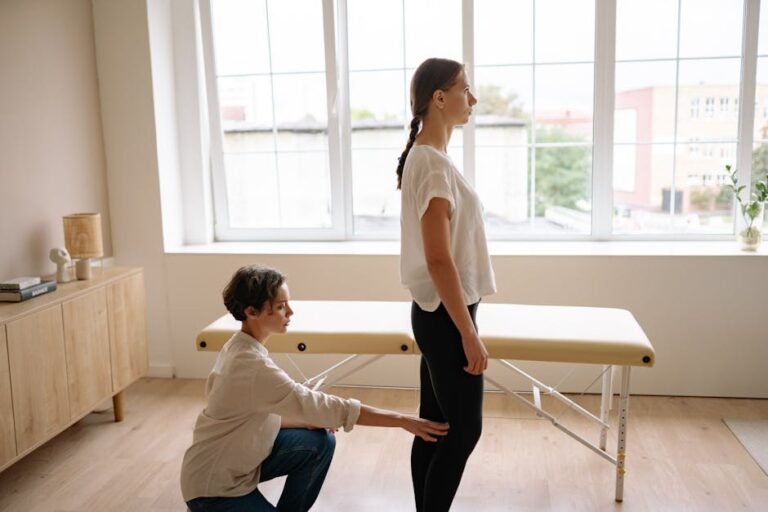
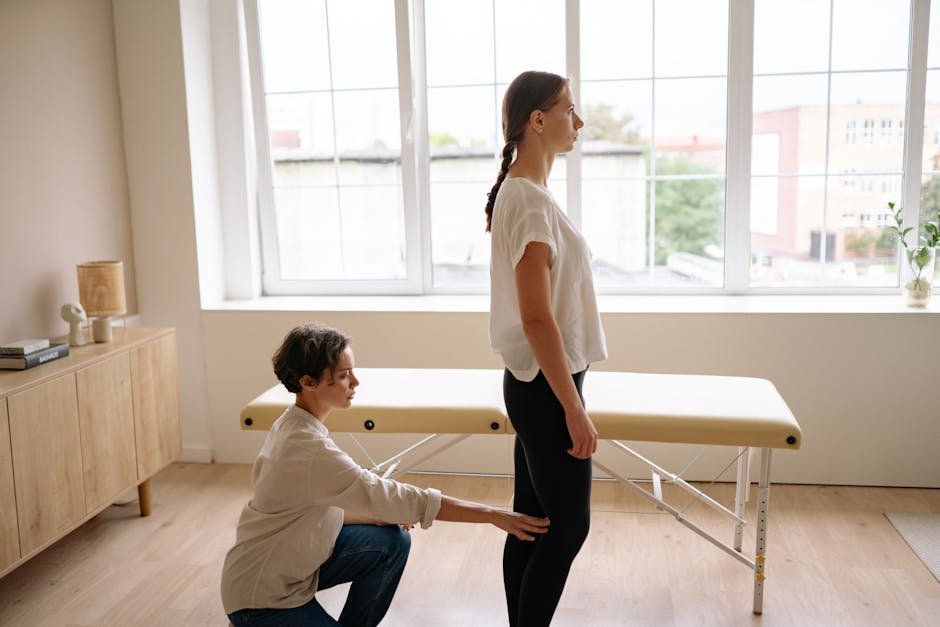
Good desk posture isn’t about sitting perfectly still like a soldier. It’s about creating a setup that supports your body naturally, so you can relax into a comfortable position without forcing your muscles to work overtime. When your spine is well-supported and your screen, keyboard, and chair are properly aligned, your body can do what it’s meant to do — allow you to focus on what you’re enjoying, not on the ache in your neck.
The encouraging part is that you can begin improving your posture today, with things you likely already have at home. A folded towel, a firm cushion, or even a stack of books can be the starting point for a genuinely more comfortable desk experience.
Setting Up Your Chair and Desk for Comfort and Support
Your chair is the foundation of good desk posture, so it’s worth getting this right first. Ideally, choose a chair that supports the natural inward curve of your lower back. If your current chair feels flat against your back, a small cushion or a rolled-up towel placed at the small of your back can provide the gentle support you need. It’s a simple fix that can transform how your back feels after an hour at your desk.
Next, check your feet. They should rest flat on the floor with your knees bent at roughly a right angle — about 90 degrees. If your feet dangle or just barely touch the floor, try placing a sturdy footrest, a thick book, or a small step stool underneath them. This relieves pressure on your hips and helps the whole lower body feel grounded and relaxed.
Sit back in your chair so your hips are close to the back of the seat — not perched on the edge. This posture keeps your weight distributed properly and stops you from slumping forward as you work. Your thighs should rest comfortably on the seat without feeling pressed or pinched at the knees. If you notice pressure behind your knees, raise your chair slightly or adjust your footrest. These tweaks may seem minor, but they can dramatically reduce fatigue over the course of an afternoon.
Aligning Your Screen, Arms, and Wrists to Reduce Strain
Once your chair and feet are sorted, it’s time to look at where your screen, keyboard, and mouse are positioned — because these elements have a huge impact on your neck, shoulders, and wrists. The top edge of your monitor should sit at roughly eye level or just slightly below it, so that you’re looking gently downward at the centre of the screen. Your screen should be about an arm’s length away — roughly 20 to 28 inches. If you wear bifocals or reading glasses, you may need to tilt the screen or raise it on a stand to find the sweet spot that works for your vision.
Looking too far up or too far down for long periods is one of the most common causes of neck and shoulder tension in desk users. If you work with printed papers or documents alongside your screen, consider using a document holder positioned at the same height as your monitor. This keeps your neck from constantly dipping downward or twisting sideways, which adds up to real strain over time.
For your arms and wrists, aim to keep your elbows close to your sides and bent at about 90 degrees. When you type or use a mouse, your wrists should stay as straight and neutral as possible — not bent upward or drooping downward. A slightly downward-sloping keyboard can help achieve this natural position. If your desk is on the higher side, a low-profile keyboard tray can bring your hands to a more comfortable level. Soft forearm pads are also worth considering if you notice tension or numbness in your hands and fingers during longer sessions.
Lighting, Eye Comfort, and the Simple Habit of Blinking
Good lighting might not be the first thing you think of when it comes to desk posture, but it plays a surprisingly important role. When a screen is glary or a room is too dim, we naturally lean forward and squint — which pulls the head and shoulders out of alignment and tires the neck quickly. Try to position your screen so it’s not facing a bright window or directly below a harsh overhead light. A soft lamp placed to the side of your work area, rather than directly behind or in front of the screen, tends to work well.
If glare is difficult to avoid — particularly in rooms with large windows — an anti-glare screen filter is a worthwhile investment. For the screen itself, bump up the font size so you’re not straining to read, and adjust the brightness to a level that feels easy on the eyes. High contrast settings, such as dark text on a light background, are generally easier to read for longer periods.
One of the simplest eye-care habits you can build is remembering to blink. When we concentrate on screens, we blink far less frequently, which leads to dryness and irritation. Every 20 minutes or so, look away from the screen and focus on something in the distance for a few seconds. This gives your eyes a natural reset and is a perfect cue to check your posture at the same time — two habits for the price of one.
What You Can Do: Practical Desk Posture Tips for Seniors
Here’s a straightforward checklist you can return to every time you sit down at your desk. Think of it as your personal comfort routine — quick to run through, and genuinely effective when done consistently.
- Check your chair height: Feet flat on the floor (or on a footrest), knees at roughly 90 degrees, thighs resting comfortably without pressure behind the knees.
- Support your lower back: Sit back in the chair with your hips near the back of the seat. Add a small cushion or rolled towel if your chair doesn’t support the lower back curve.
- Set screen height: Top of the monitor at eye level or just below, approximately an arm’s length away. Use a stand or stack of books to raise it if needed.
- Position your keyboard and mouse: Arms relaxed at your sides, elbows at 90 degrees, wrists straight and neutral as you type.
- Manage glare and lighting: Position your screen away from bright windows, use a side lamp, and consider an anti-glare filter if needed.
- Take micro-breaks every 20–30 minutes: Stand up, take a few steps, or simply stretch briefly before sitting back down.
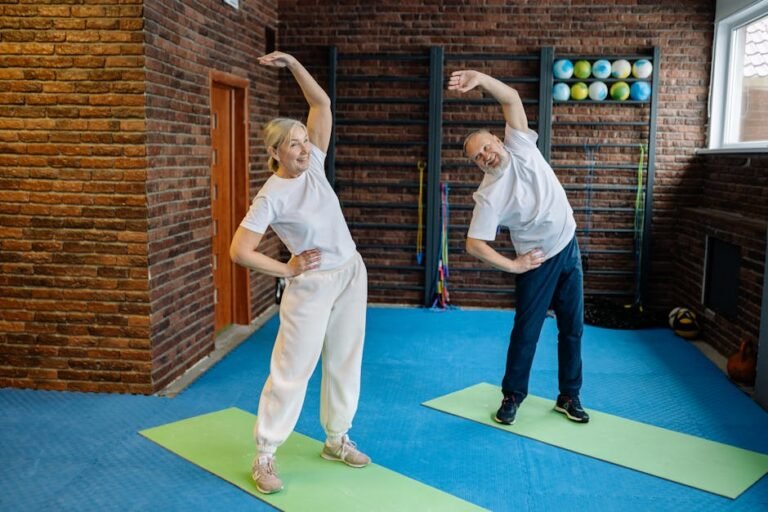
- Try these gentle desk stretches:
- Neck tilt: Slowly tilt your head toward one shoulder, hold for 10–15 seconds, then switch sides.
- Shoulder rolls: Lift your shoulders toward your ears and roll them back and down in a smooth circle. Repeat a few times.
- Chest opener: Clasp hands behind your back, gently squeeze your shoulder blades together, and lift the chest slightly. Hold for 10–15 seconds.
- Wrist stretches: Spread your fingers wide, then relax; gently flex and extend your wrists to release tension from typing.
- Set a reminder: Use a phone alarm or simple kitchen timer to prompt you to stand and reset your posture every 20–30 minutes.
- End with a quick body check: Before you leave your desk, notice if your head feels balanced over your shoulders, your shoulders over your hips, and your hips well-supported. Adjust for next time if anything feels off.
Building a Simple Daily Routine That Actually Sticks
The secret to better desk posture isn’t perfection — it’s consistency. The most helpful thing you can do is turn a few key habits into a routine you follow automatically, without having to think about it every single day. Before you sit down, take a quick 30-second glance at your setup: chair height, footrest, screen level, keyboard position. It takes moments and sets you up for a far more comfortable session.
During your time at the desk, that 20–30 minute movement reminder is genuinely one of the most powerful tools you have. You don’t need to do a full workout — just standing up, taking a few steps around the room, and doing one or two gentle stretches is enough to reset your muscles and prevent the stiffness that builds when we stay still for too long. Even a short 1–2 minute break makes a measurable difference.
A note on safety: if you have osteoporosis, a known spine condition, or limited mobility, please adapt these suggestions to what feels safe and comfortable for you. Avoid twisting or bending further than is comfortable, stick to smaller, gentler movements, and speak with your doctor or physiotherapist before starting any new stretching routine. Chair stability matters too — always ensure your chair sits firmly on a flat surface, and keep desk cables tidy to avoid any trip hazards when you stand up for your breaks. If you experience persistent pain in your neck, shoulders, back, or wrists, please reach out to your healthcare provider for personalised guidance. Your safety always comes first.
The Bottom Line: Good desk posture for seniors isn’t about rigid rules or uncomfortable discipline — it’s about making your workspace work for you. By setting up your chair and screen thoughtfully, keeping your arms and wrists in a comfortable position, managing your lighting, and building in regular movement breaks, you can significantly reduce strain and enjoy your time at the desk so much more. Start with just one or two changes today — perhaps adjusting your chair height or adding a neck stretch at your first break — and build from there. Small, steady steps are all it takes to feel more comfortable, more supported, and more confident every time you sit down.
This is not medical advice. Consult your healthcare provider before starting any new health routine or using any product mentioned here.